Documentation
Single Board Computer Overview
| LattePanda IOTA |
|---|
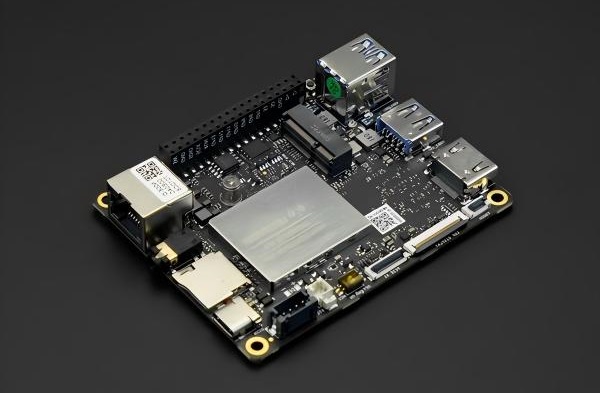 |
| Model |
| DFR1226: N150 Processor, 8GB RAM, 64GB eMMC DFR1226-ENT: N150 Processor, 8GB RAM, 64GB eMMC, Win11 IoT Ent License DFR1227: N150 Processor, 16GB RAM, 128GB eMMC DFR1227-ENT: N150 Processor, 16GB RAM, 128GB eMMC, Win11 IoT Ent License |
| LattePanda Sigma 2 |
|---|
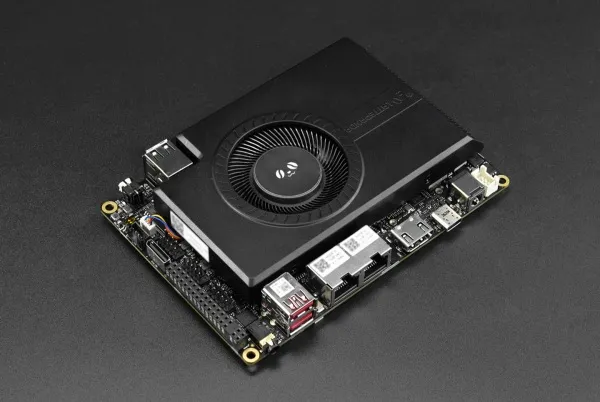 |
| Model |
| DFR1316: Intel Core Ultra X7 358H processor, 64GB RAM, 1TB SSD) |
| LattePanda Alpha | LattePanda 3 Delta |
|---|---|
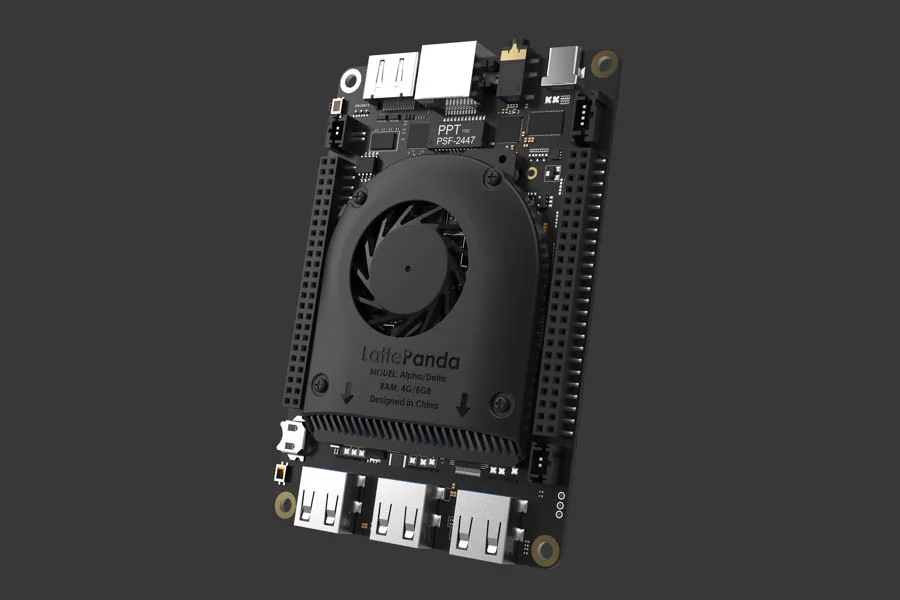 | 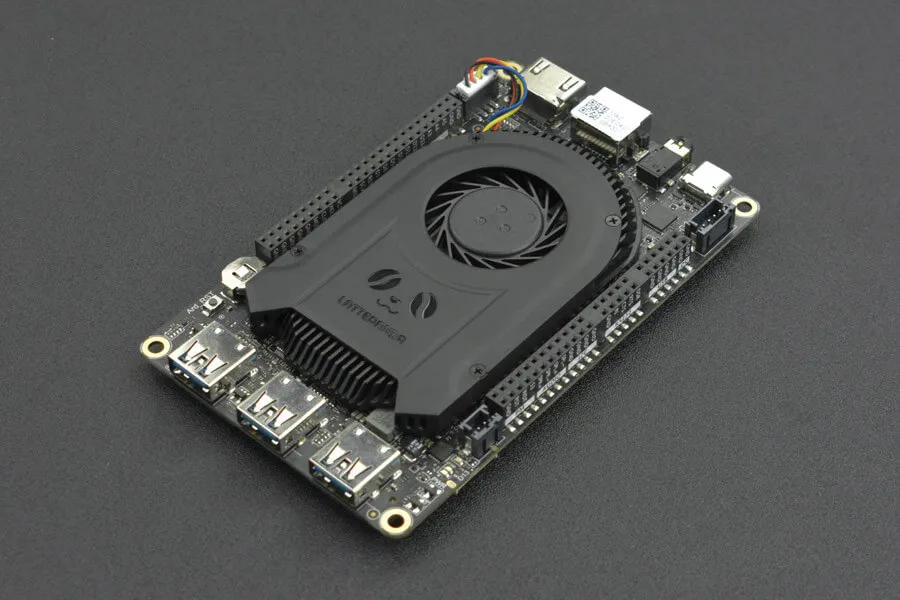 |
| Model | Model |
| DFR0545: 8GB RAM, No eMMC DFR0546: 8GB RAM, 64GB eMMC DFR0547: 8GB RAM, 64GB eMMC, Windows 10/11 Pro License | DFR0981: 8GB RAM, 64GB eMMC DFR0982: 8GB RAM, 64GB eMMC, Windows 10 IoT Enterprise 2021 LTSC License |
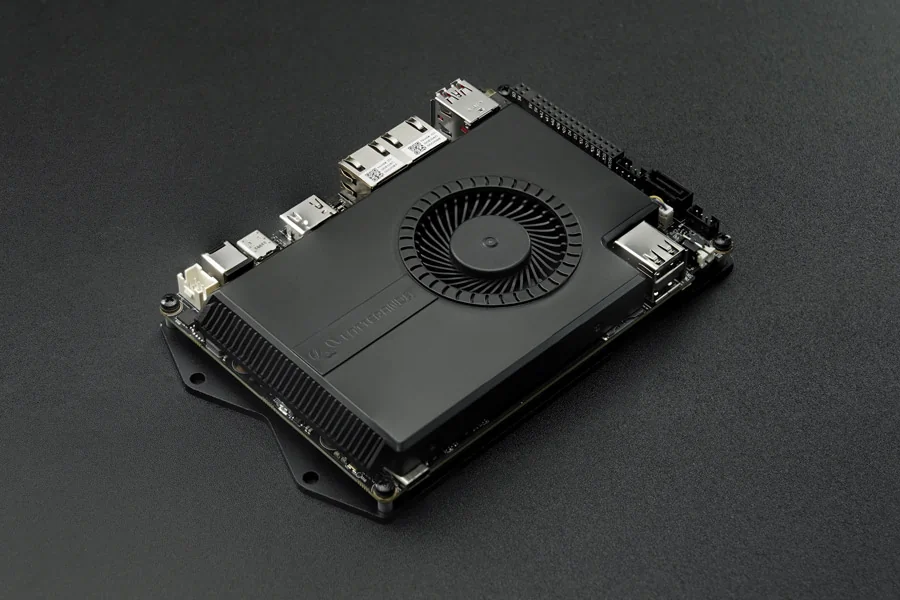
| LattePanda Sigma |
|---|
 |
| Model |
| DFR1080: 16GB RAM, No eMMC & SSD, No WiFi DFR1081: 16GB RAM, 500GB NVMe SSD(PCIe4.0 x4), WiFi 6E DFR1090: 32GB RAM, No eMMC & SSD, No WiFi DFR1091: 32GB RAM, 500GB NVMe SSD(PCIe4.0 x4), WiFi 6E |
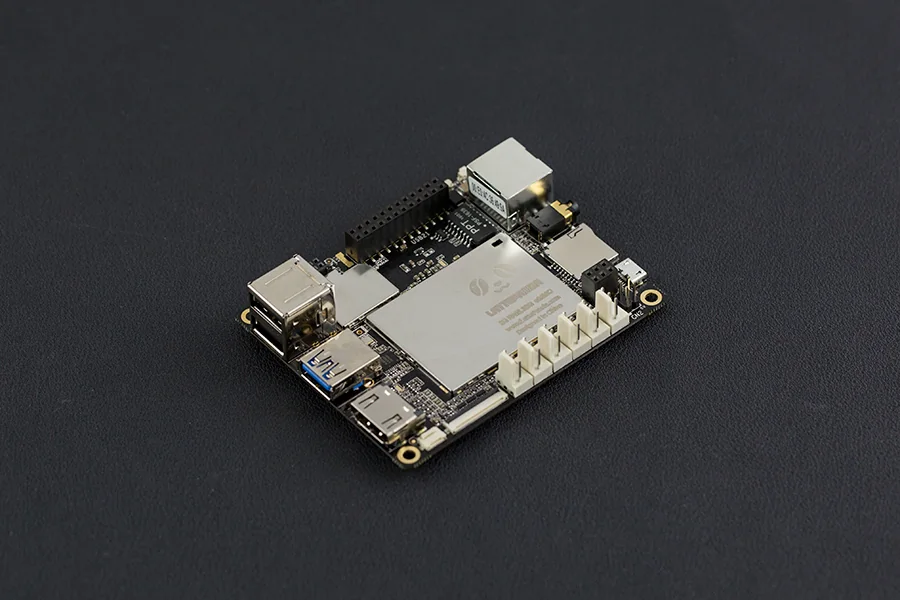
| LattePanda V1(Discontinued) | LattePanda Delta(Discontinued) |
|---|---|
 | |
| Model | Model |
| DFR0444: 2GB RAM, 32GB eMMC DFR0419: 4GB RAM, 64GB eMMC DFR0418: 2GB RAM, 32GB eMMC, Windows 10 Home License DFR0470-ENT: 4GB RAM, 64GB eMMC, Windows 10 Enterprise 2016 LTSB License | DFR0543: 4GB RAM, 32GB eMMC DFR0544: 4GB RAM, 32GB eMMC, Windows 10 Pro License |
This guide will show you how to use LattePanda products to start up your little drive first. And kick-off your adventure of software plus hardware development.
Note
If you have any problem or idea when reading our docs, feel free to commit your suggestions directly on the Github Docs Repo or discuss through the FORUM. We, together with our community members, are always ready to help you and listen to your suggestions!
Content Structure
The documentation for each product generally follows a consistent structure.
- Tech Specs details the hardware specifications of the board — processor, memory, storage, interfaces and dimensions.
- Initial Setup goes over how to unbox, connect and power on your device for the first time.
- Power Options introduces the different ways to power the board, such as USB PD and DC jack.
- Display Connections shows how to connect displays and touch panels, including eDP and HDMI.
- Multiple OS Support lists compatible operating systems and provides installation guides for Windows, Ubuntu, and more.
- Multiple Network covers the available network connectivity options — Ethernet, Wi-Fi and cellular.
- Hardware Interface details the pinout and layout, plus external and internal interfaces for your projects and products.
- BIOS Setup explains how to enter the BIOS and adjust common settings such as TDP, USB power control and boot order.
- Download Resources collects OS images, drivers and BIOS / EC firmware downloads.
- FAQ answers frequently asked questions and helps troubleshoot common issues.
How to Contribute
This documentation is managed by LattePanda, BUT supported by the all community members, which is pretty important as a team growing up from open maker community. We welcome contributions such as:
- Edits to improve grammar or fix typos
- Edits to improve clarity
- Additional annotated examples for others to follow
- Additional content that would help provide a complete understanding of the LattePanda platform
- Translations to other languages
- Open - anything u think is good for the growth of this community
Making a contribution is as simple as forking this repository, making edits to your fork, and contributing those edits as a pull request. For more information on how to make a pull request, see Github's documentation.